Technical Considerations
Confluence
- Server: The server should perform without significant latency or problems
- Network: The server should be reachable on a local or not network. Reverse proxies, firewalls, antivirus programs or http redirects may deny connectivity
- SSL: Conflux can connect to Confluence over a secure connection. Depending on the host system, the network configuration and the server setup, connection over SSL may be problematic. For the purpose of reading Confluence content, try a non-secure direct connection if you face problems with SSL
WikiJS
WikiJS provides access via GraphQL with limited functionality. Exporting all Confluence data and assets to WikiJS via GraphQL is not possible. Conflux connects directly to WikiJS database to export all content and requires access to the server that hosts WikiJS to export assets.
Therefore, the following points should be considered:
- Server: The server should perform without significant latency or problems
- Network: The server should be reachable on a local or not network. Reverse proxies, firewalls, antivirus programs or http redirects may deny connectivity
- SSL: Conflux can connect to WikiJS over a secure connection but tests have shown that this type of connection is unstable. Depending on the host system, the network configuration and the server setup, connection over SSL may work or not. If you face problems, try a non-secure direct connection
- GraphQL: The GraphQL (API) should be enabled with an active GraphQL key
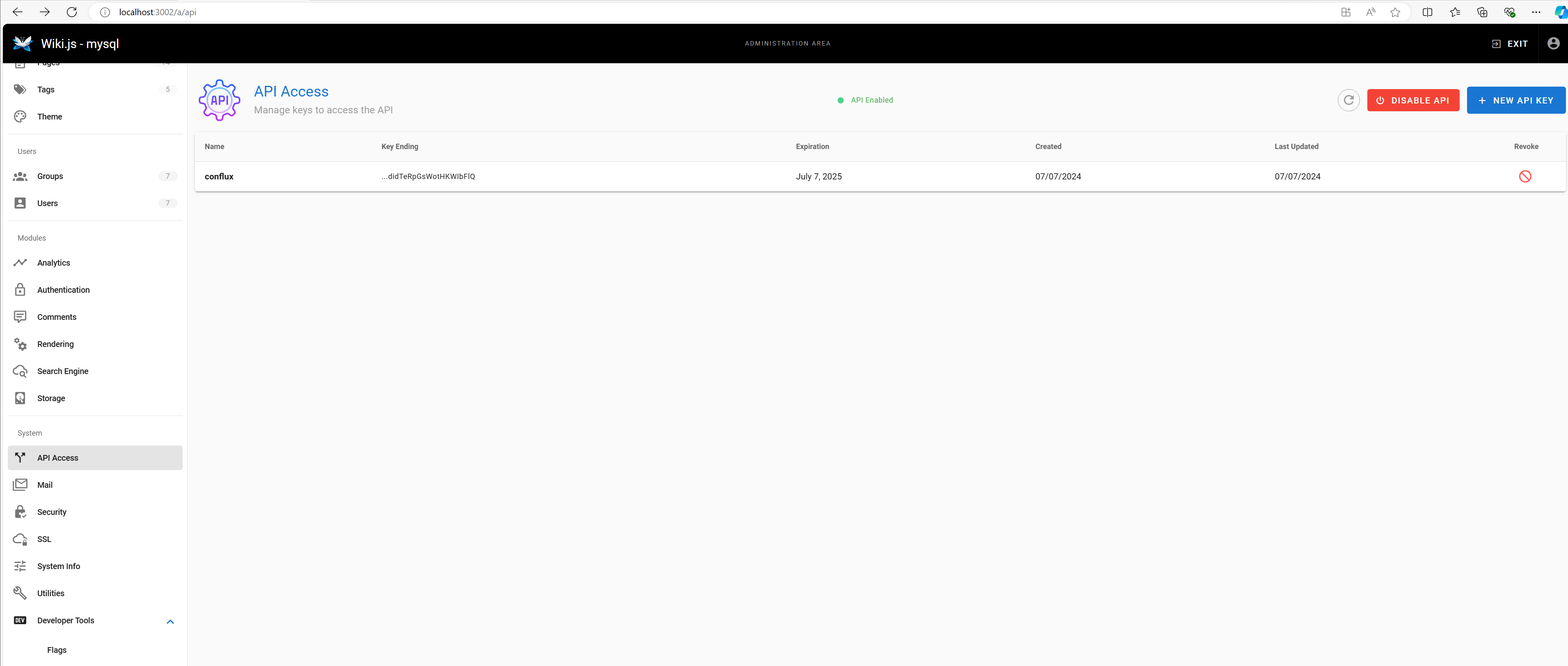
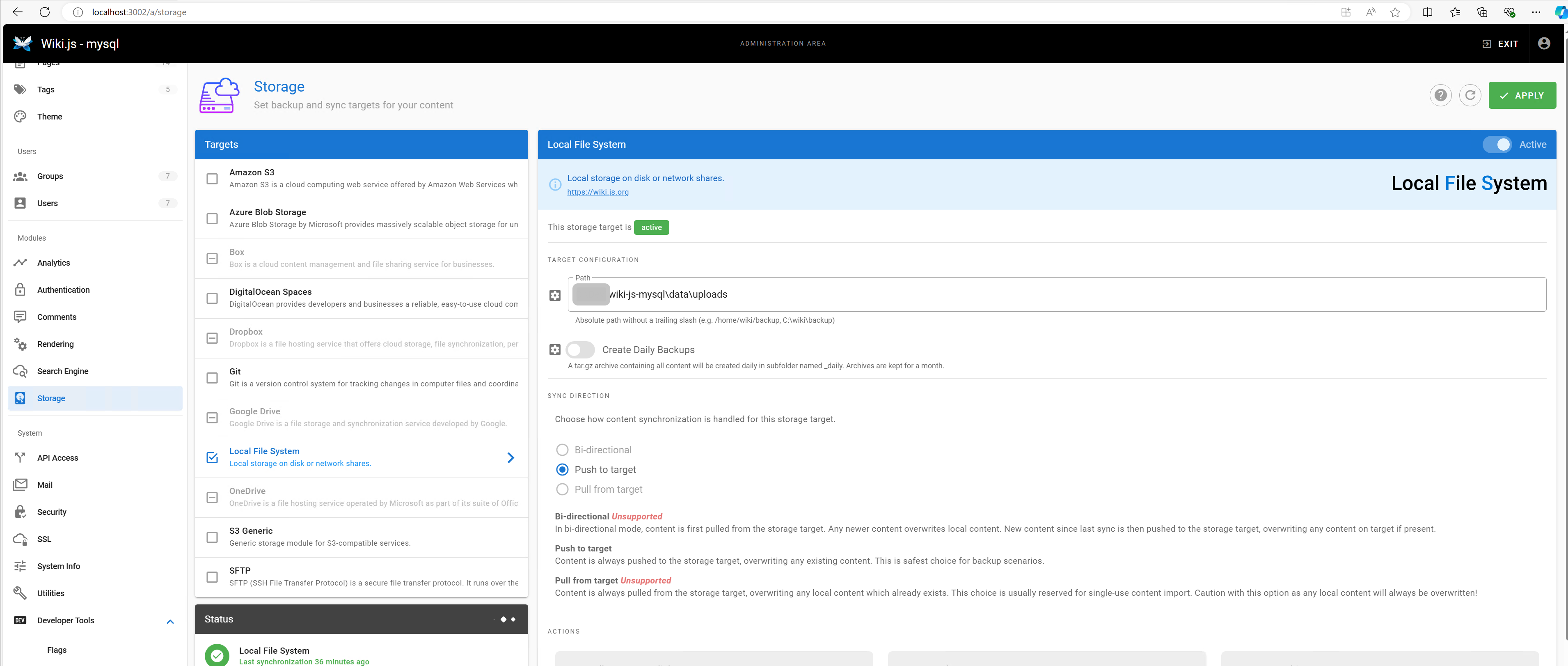
- Local Storage System: The local storage should be active with a defined path in Target Configuration
- Database: With the exception of SQLite, the database server should be directly accessible over the network. Regarding the SSL connection, the same issues may arise as described above. It is recommended to allow direct unsecure connection for the export
Created with the Personal Edition of HelpNDoc: From Word to ePub or Kindle eBook: A Comprehensive Guide