Manage WikiJS
Conflux offers a range of tools to manage WikiJS.
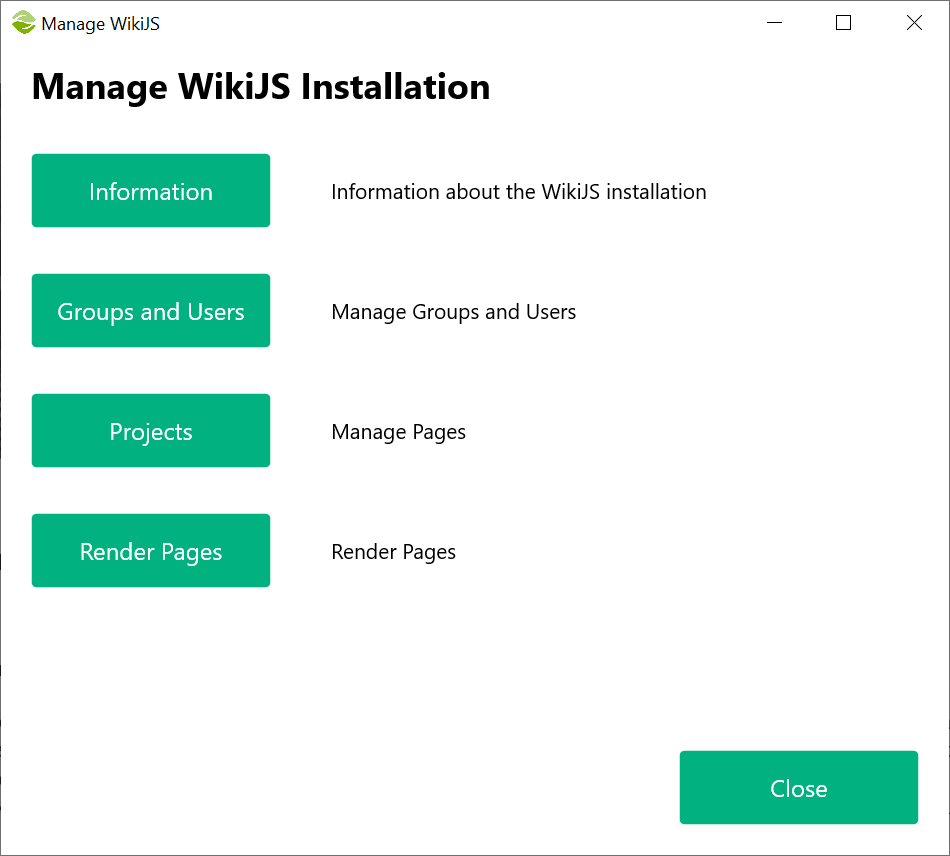
- Information: Shows various information about the current WikiJS installation to confirm the settings
- Groups and Users: Conflux retrieves the groups and users from WikiJS to compare with the exisiting setup in Confluence. You can use Import from Confluence to create the same groups and users in WikiJS
- Projects: WikiJS does not offer an easy way to delete a whole project (or, space in Confluence parlance). Use this tool to delete all the pages in a project
- Render Pages: When a page is created in WikiJS, the internal engine renders it before making it available. Conflux uses GraphQL to insert pages in WIkiJS, adjusts the content and then instructs WikiJS to render the pages. This process may be disturbed or interrupted (e.g, because the user cancelled it or GraphQL crashed) leaving the user unable to access the pages. The pages will be inaccessible even from the admin panel in WikiJS (they may appear in the list of pages but they will not be available). If you try to delete a whole project, Conflux will perform the steps without errors but the pages will not be actually deleted. To mitigate this issue, use the Render Pages tool to force WikiJS to render all the pages in the installation. This should make the pages available again
Created with the Personal Edition of HelpNDoc: Maximize Your Productivity with HelpNDoc's Efficient User Interface