Export Panel (WikiJS)
Conflux can export all content and data to files to WikiJS.
Use the WikiJS export panel at the top of the main form.

From left to right,
- Manage WikiJS: Tools to manage the WikiJS installation
- WikiJS Connection Settings: Define connection settings
- WikiJS Export Settings: Define overall export parameters
- Export Content to WikiJS: Exports content
- Export Assets to WikiJS Folder: Exports assets to WikiJS
Manage WikiJS
For a detailed description, see here.
WikiJS Connection Settings
|
|
|
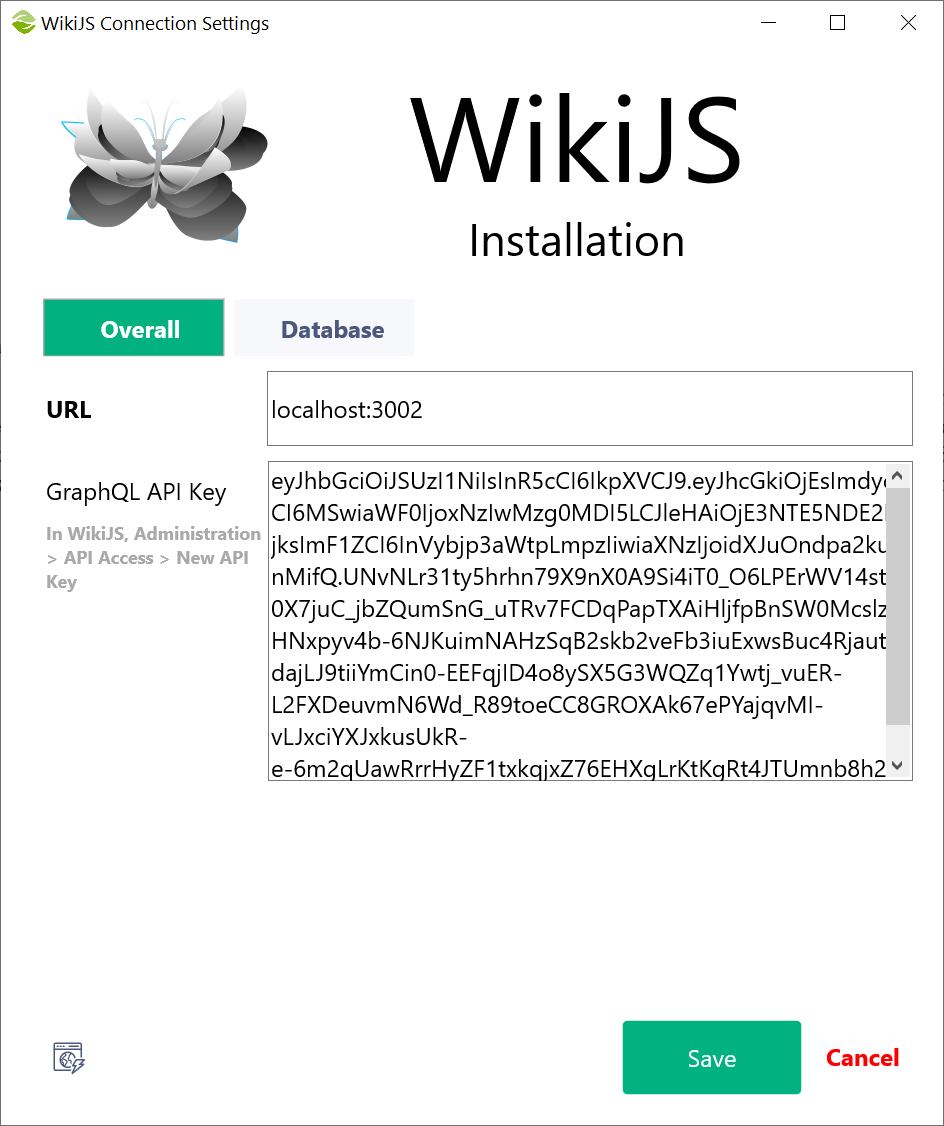
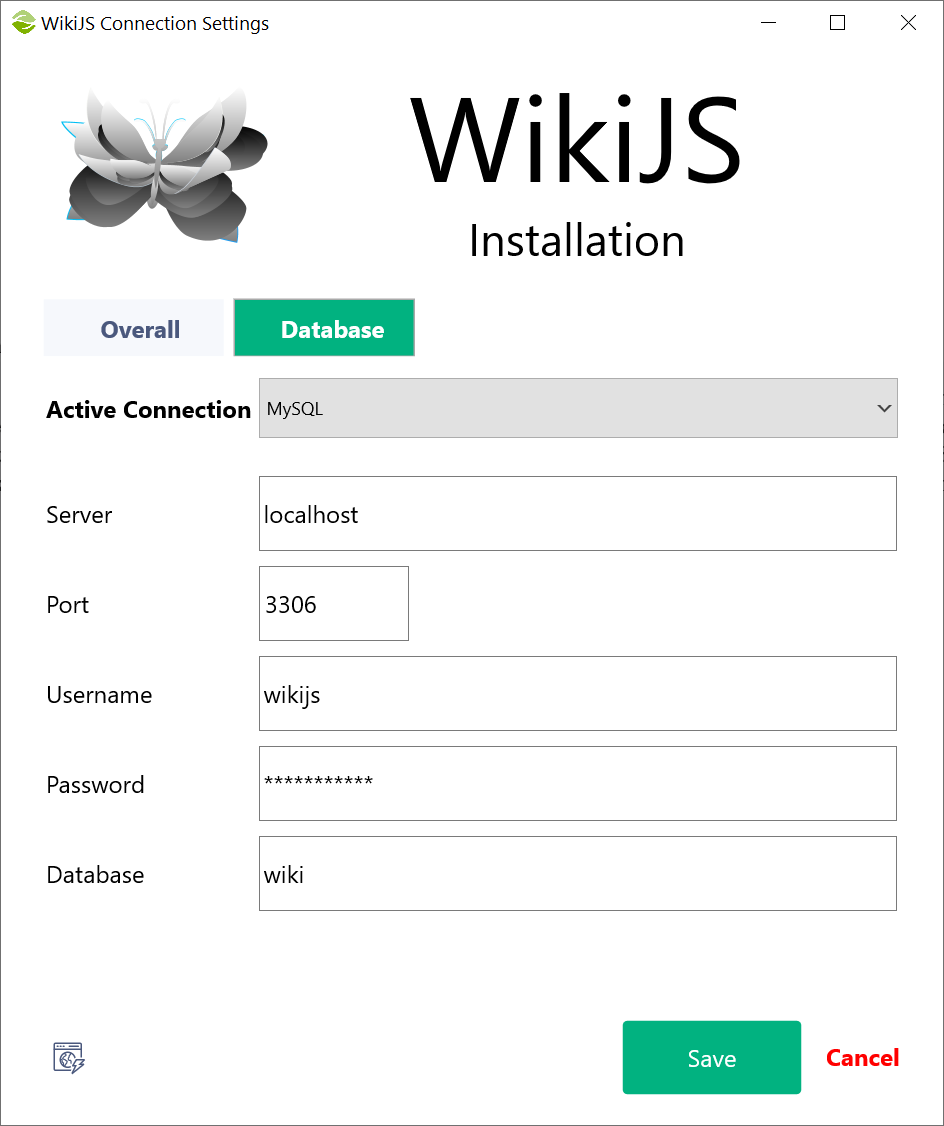
There are two panels:
- Overall: Add the WikiJS server url and the API key
- Database: Select the database used by WikiJS and add the connection details
You can test for a successful connection using the button at the left bottom corner.
WikiJS Export Settings
For a detailed description, click here.
Export Content to WikiJS
Click "Start" to begin the export.
Export Assets to WikiJS Folder
WikiJS does not have a GraphQL endpoint to upload assets (attachments). Therefore, you either copy the files manually, or use this form.
Created with the Personal Edition of HelpNDoc: Say Goodbye to Documentation Headaches with a Help Authoring Tool