First Run
- After you complete the installation, run Conflux for the first time
- Provide a license key
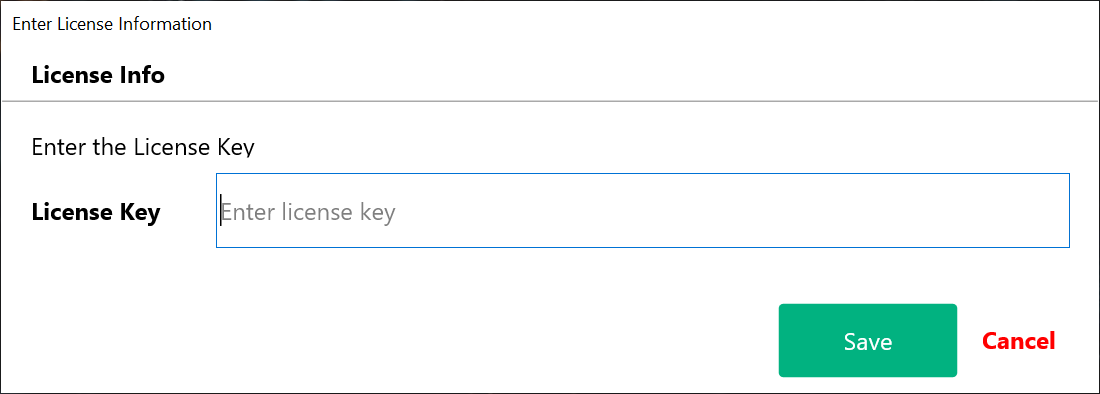
Important The first time the application runs, an active internet connection is required to validate the license key
- When the validation is completed, the main screen of the application appears
- Add the details of your Confluence server and download all spaces
- Select a space, download the pages of the space, select those you want to export and adjust the settings to suit your needs
- Export the content to the destination of your choice
Created with the Personal Edition of HelpNDoc: Effortlessly Create Professional Documentation with HelpNDoc's Clean UI