Confluence Area
This area allows users to connect to Confluence and manage data, users and groups.

From left to right, after Confluence logo:
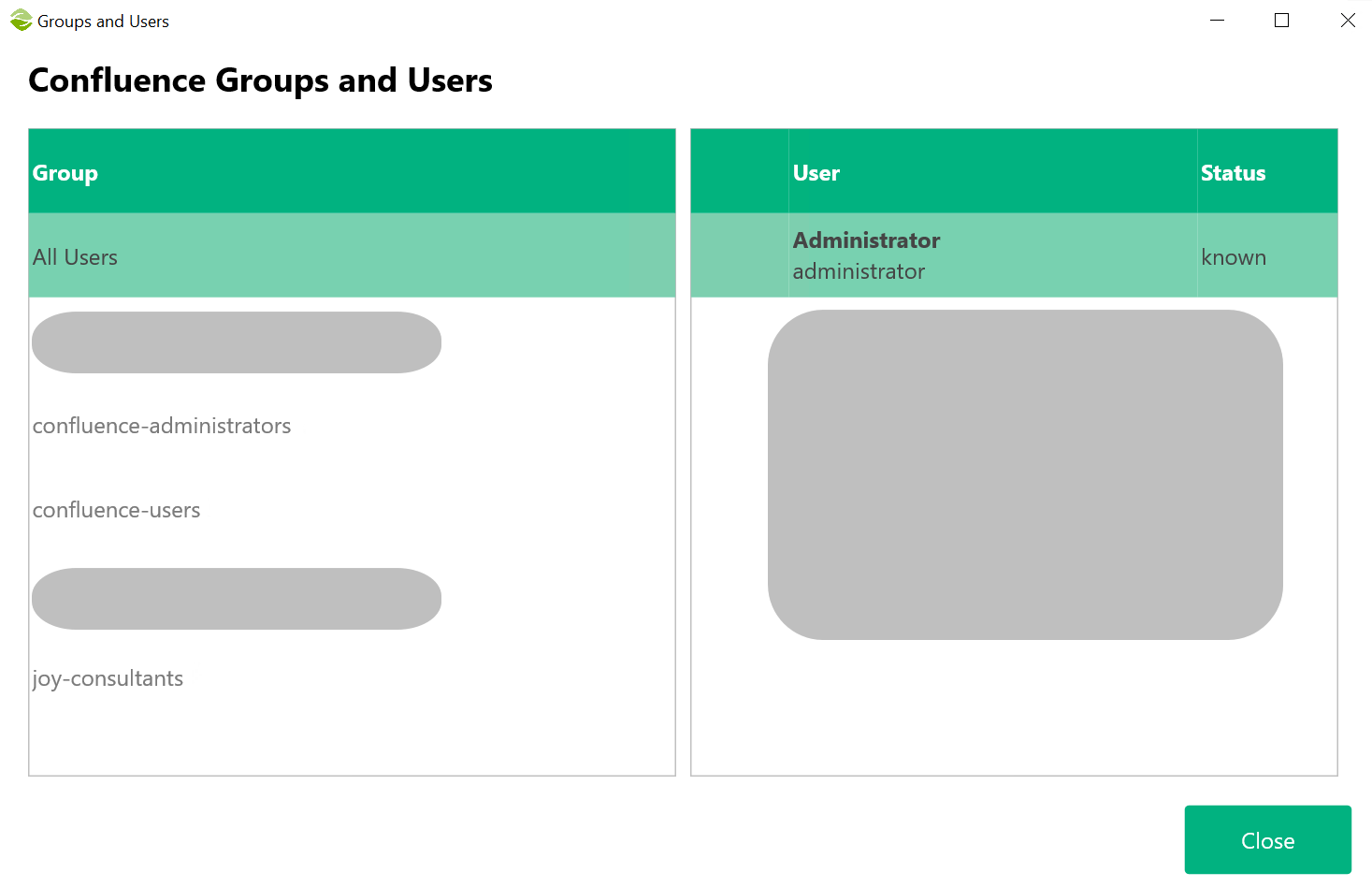
- User and Groups: Check the users and groups as they appear in Confluence
- Download Confluence Data: This button will delete all local data and download all data from Confluence
- Connection Settings: Determine the connection settings to Confluence server
- Modify Source Settings: Define rules to modify the source code
User and Groups
In this screen, you can verify that the groups and users are correctly retrieved from Confluence.
Connection Settings
Add Confluence connection settings in this screen.
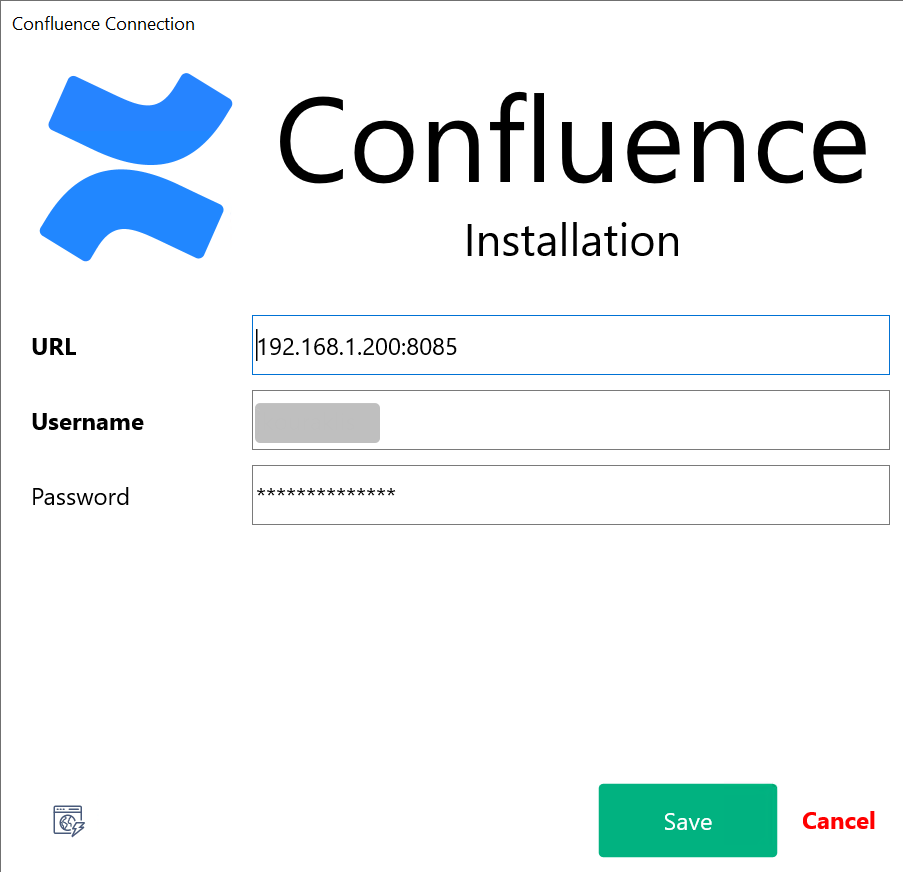
You can test the connection with the button at the left bottom corner.
Created with the Personal Edition of HelpNDoc: What is a Help Authoring tool?